Affiliate Network Mode

Affiliate Network Mode

AffiliateNetwork MultipleMerchants NetworkManagement PrepaidAccounts

Available in:

What is Affiliate Network Mode?

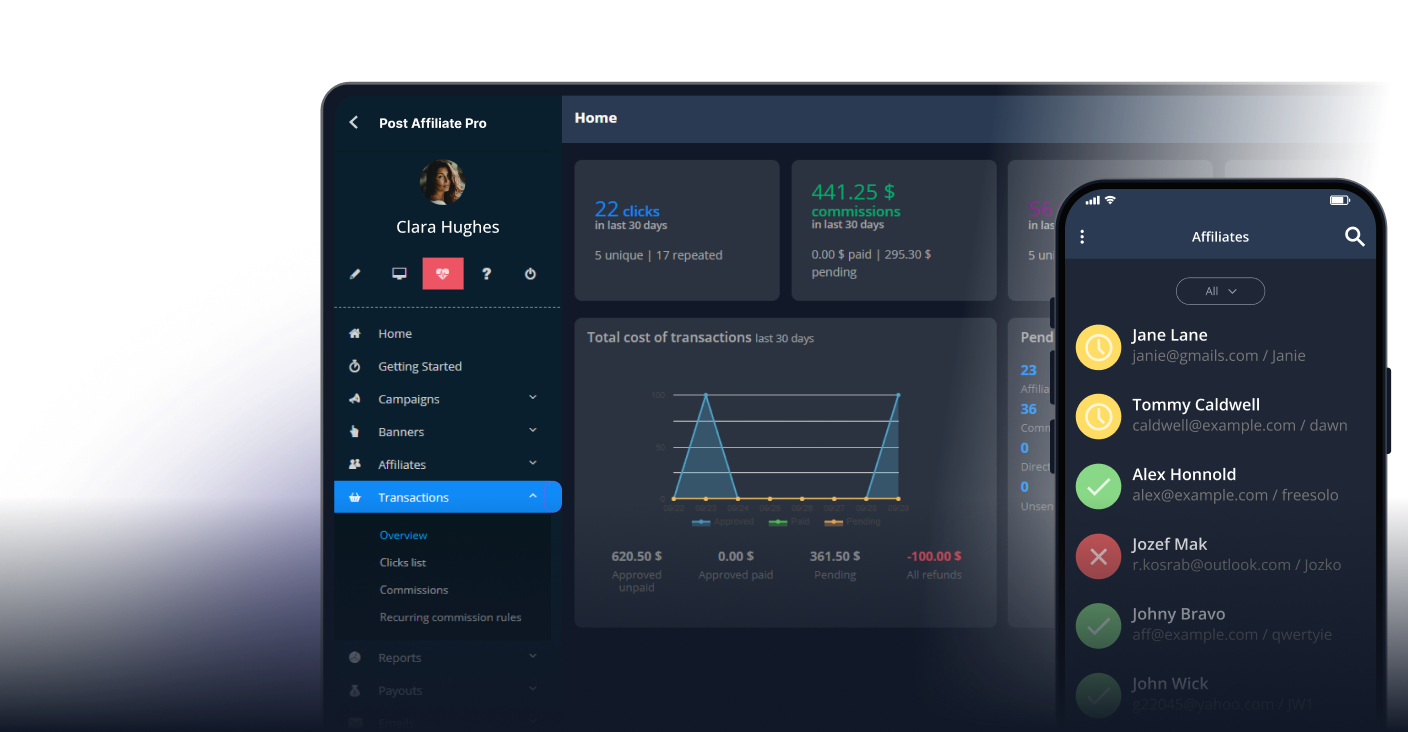
Affiliate Network Mode transforms Post Affiliate Pro into a complete multi-merchant affiliate network platform called Post Affiliate Network. Unlike standard affiliate software where a single merchant manages one program, network mode allows multiple independent merchants to operate their own affiliate programs on a shared infrastructure.

As the network owner, you provide the platform, manage merchant onboarding, set network-wide policies, and earn revenue through transaction fees. Each merchant gets their own isolated environment to manage campaigns, create banners, set commission rates, and work with affiliates - all while you maintain administrative oversight of the entire network.

Affiliate Network Architecture

Multiple Merchant Accounts

The core of network mode is the ability to host multiple merchant accounts, each functioning as an independent affiliate program.

Account Structure

Each merchant account includes:

  • Dedicated login credentials - Merchants access the panel with their own email and password
  • Isolated campaigns - Campaigns belong exclusively to the merchant who created them
  • Private banners - Promotional materials are account-specific
  • Independent commission settings - Each merchant controls their commission rates and rules
  • Separate fraud protection - Merchants can configure their own click and sale fraud protection rules
  • Custom tracking settings - IP tracking, cookie settings, and other tracking parameters per account

Account Status Management

Network owners can manage merchant account statuses:

  • Pending - New accounts awaiting approval
  • Approved - Active accounts that can run campaigns
  • Suspended - Temporarily disabled accounts (campaigns become invisible to affiliates)
  • Declined - Rejected accounts

When an account is suspended, the system automatically notifies affected affiliates that the merchant’s campaigns are no longer available.

Network-Level vs Merchant-Level Settings

Post Affiliate Network maintains a clear separation between network-wide configurations and merchant-specific settings.

Network Owner Controls

As the network owner, you manage:

  • Merchant account approval workflow - Automatic or manual approval of new merchant signups
  • Default merchant role and permissions - What new merchants can access by default
  • Network fee structures - Global and per-account fee configurations
  • Merchant agreement - Terms merchants must accept to join
  • Invoice templates and formats - Network invoice customization
  • Email notifications - Network-wide notification settings for account events
  • Prepaid account settings - Default low credit and suspend limits
  • Default campaign status - Whether new merchant campaigns start active or stopped

Merchant Controls

Each merchant independently manages:

  • Campaign creation and configuration - Commission types, tiers, and targeting
  • Banner and promotional material management - Creating and organizing banners
  • Commission groups - Segmenting affiliates for different commission rates
  • Fraud protection rules - Account-specific fraud detection settings
  • Callback URLs - Per-account tracking callbacks for integration
  • Tracking preferences - IP tracking, forced product ID matching

Permission System

Network mode includes a sophisticated permission system for merchant accounts. The default network merchant role provides access to:

  • Campaign and banner management
  • Commission and transaction viewing
  • Click and sale reports
  • Basic fraud protection configuration
  • Account-level settings

Network owners can create custom roles with additional or restricted permissions, such as allowing access to affiliate management, payout processing, or advanced configuration options.

Prepaid Network Accounts

The prepaid account feature enables network owners to require merchants to maintain a positive account balance before their campaigns can run.

How Prepaid Accounts Work

  1. Balance monitoring - The system tracks each merchant’s balance based on payments received minus commissions and fees owed
  2. Low credit warnings - When balance drops below the configured threshold, notifications are sent to the merchant (and optionally the network owner)
  3. Automatic suspension - If the balance falls below the suspend limit, the merchant’s account is automatically suspended
  4. Automatic reactivation - When an invoice is paid and the balance returns above the suspend limit, the account is automatically unsuspended

Configuration Options

Network owners can configure:

  • Low credit limit - Balance threshold that triggers warning emails (default: 50)
  • Suspend credit limit - Balance threshold that triggers automatic suspension (default: 0)
  • Per-account overrides - Different limits for individual merchants
  • Notification settings - Send low credit alerts to merchant, network owner, or both
  • Notification frequency - Alert on every sale or only once when threshold is crossed

Balance Calculation

The merchant balance is calculated as:

Balance = Total Payments - (Approved Commissions + Network Fees)

This ensures merchants cannot accrue unlimited commission debt without prepaying for network usage.

Merchant Onboarding

Post Affiliate Network provides a complete merchant signup and onboarding flow.

Signup Process

  1. Merchant registration - Merchants complete a signup form with their details
  2. Agreement acceptance - Required acceptance of network terms (configurable)
  3. Account creation - System creates the merchant account with default settings
  4. Approval workflow - Manual approval by network owner or automatic approval
  5. Welcome email - Notification sent with login credentials (after approval if required)
  6. Default campaign creation - Optional automatic creation of a default campaign

Signup Configuration

Network owners can customize:

  • Signup form fields - Add custom data fields for merchant information
  • Agreement content - Define terms and conditions merchants must accept
  • Approval mode - Automatic or manual approval of new accounts
  • Post-signup redirect - Where to send merchants after registration
  • Email notifications - Configure welcome emails and approval notifications
  • reCAPTCHA protection - Prevent automated signups
  • Default campaign settings - Whether new accounts get a public or private default campaign

Account Notifications

The system sends email notifications for:

  • New account signup (to network owner)
  • Account approved (to merchant)
  • Account suspended (to merchant)
  • Account declined (to merchant)
  • Campaign suspension notifications (to affected affiliates)

Network Reporting and Statistics

Network mode provides comprehensive reporting at both the network and merchant levels.

Network-Level Reports

The Account Manager grid displays:

  • Account information - Name, email, status, creation date
  • Financial metrics - Commissions, fees, payments, and balance
  • Traffic statistics - Impressions, clicks, CTR
  • Sales data - Transaction counts and totals
  • Custom data fields - Any additional merchant information collected

Per-Merchant Statistics

Each merchant can view their own:

  • Campaign performance reports
  • Affiliate statistics
  • Transaction and commission details
  • Click and impression data
  • Trend analysis

Network Fee Reporting

Transactions include a dedicated network fee column showing:

  • Total network fee per transaction
  • Sale network fees
  • Click network fees

This enables transparent tracking of network revenue from each merchant’s transactions.

Commission Handling Across Merchants

Network mode ensures proper commission attribution and calculation across the multi-merchant environment.

Account Isolation

Commissions are strictly isolated by account:

  • Transactions are tagged with the merchant’s account ID
  • Commission calculations use merchant-specific rates and rules
  • Affiliates see only commissions from merchants they promote
  • Merchants can only view and modify their own transactions

Network Fee Calculation

Network fees are calculated per transaction using configurable formulas:

  • Fixed fees - Flat amount per transaction or period
  • Percentage of commission - Percentage of affiliate commission earned
  • Percentage of total cost - Percentage of the sale amount
  • Fixed per transaction - Fixed amount multiplied by transaction count
  • Custom formula - Mathematical expression using {$commission}, {$totalcost}, and {$fixedcost} variables

For example, a network fee of {$commission} * 0.1 would charge 10% of each commission as a network fee.

Network Invoicing

The invoice system supports:

  • Invoice generation based on date ranges
  • Proforma and final invoices
  • Commission list attachments
  • Multiple fee type aggregation
  • Payment tracking and status management
  • Automatic account balance updates on payment

Differences from Standard Post Affiliate Pro

Understanding the key differences helps determine which product fits your needs.

FeaturePost Affiliate ProPost Affiliate Network
Merchant accountsSingleUnlimited
Campaign ownershipAll sharedPer-merchant isolated
Network feesN/AConfigurable
Prepaid accountsN/ASupported
Merchant signupN/ABuilt-in
Account invoicingN/AFull system
Affiliate sharingOne programCross-merchant
Admin rolesAdministrativeOwner + Merchant roles

When to Use Network Mode

Choose Post Affiliate Network when:

  • You want to monetize affiliate software as a service
  • Multiple businesses need separate affiliate programs on one platform
  • You want to earn fees from merchant transactions
  • Affiliates should be able to promote offers from multiple merchants
  • You need centralized control over independent merchant accounts

Choose Post Affiliate Pro when:

  • You run a single company’s affiliate program
  • All campaigns and affiliates should be managed together
  • You do not need to charge fees to other merchants
  • Administrative staff should have shared access to everything

Best Practices for Network Operators

Account Management

  • Set appropriate approval workflows based on your vetting requirements
  • Configure prepaid limits that balance merchant convenience with risk protection
  • Create custom merchant roles for different service tiers
  • Document your merchant agreement clearly

Fee Configuration

  • Start with reasonable network fees that merchants can sustain
  • Use per-campaign fees for high-volume merchants
  • Monitor balance trends to prevent surprise suspensions
  • Consider offering volume discounts through custom fee configurations

Affiliate Experience

  • Ensure affiliates understand they are joining a network, not a single program
  • Provide clear guidance on promoting multiple merchants
  • Handle merchant suspensions gracefully with affiliate notifications

Technical Setup

  • Configure proper email templates for all account lifecycle events
  • Test the signup and approval flow before launching
  • Set up callback URLs and integrations per-merchant as needed
  • Monitor system logs for tracking issues across accounts

Frequently asked questions

What is the difference between Post Affiliate Pro and Post Affiliate Network?

Post Affiliate Pro is designed for a single merchant running one affiliate program. Post Affiliate Network (network mode) allows multiple independent merchants to run their own affiliate programs on a shared platform, with the network owner managing the infrastructure and earning fees from transactions.

Can merchants have their own separate campaigns and affiliates?

Yes, each merchant account has complete independence over their campaigns, banners, commission structures, and affiliate relationships. Merchants cannot see or modify other merchants' data, but affiliates can promote offers from multiple merchants within the network.

How do prepaid network accounts work?

Network owners can require merchants to prepay for their account usage. The system monitors account balances, sends low credit warnings when balances drop below thresholds, and can automatically suspend merchant accounts when their balance falls below the configured suspend limit.

What fees can network owners charge merchants?

Network owners can configure multiple fee types including fixed fees, percentage-based fees on commissions, percentage-based fees on total transaction cost, fixed fees per transaction, and custom network fee formulas that can combine commission values, total costs, and fixed costs.

Launch Your Affiliate Network

Transform your affiliate software into a powerful multi-merchant network. Let merchants run their own programs while you earn network fees.

Learn more

How to Join an Affiliate Network in 2025

How to Join an Affiliate Network in 2025

Learn how to join an affiliate network with our comprehensive guide. Discover the best networks, application process, commission structures, and expert tips to ...

6 min read

Affiliate Network

Affiliate Network

An affiliate network is a connection between merchants and affiliates. Members of affiliate networks are rewarded for provided sales or leads.

5 min read
AffiliateMarketing AffiliateNetwork +2
Affiliate Network Free Trial

Affiliate Network Free Trial

Try PostAffiliatePro Network for free. Start your 1-month trial now.

1 min read

You will be in Good Hands!

Join our community of happy clients and provide excellent customer support with Post Affiliate Pro.


Capterra
G2 Crowd
GetApp
Post Affiliate Pro Dashboard - Campaign Manager Interface