

How to Identify Potential Affiliate Marketers on LinkedIn
Learn proven strategies to identify and recruit high-quality affiliate marketers on LinkedIn. Discover keyword searches, profile analysis techniques, and direct...
7 min read

Learn how to measure affiliate recruitment success on LinkedIn with key metrics including new affiliate count, engagement rates, conversion rates, and performance tracking. Discover best practices for monitoring affiliate program ROI using LinkedIn Analytics and PostAffiliatePro.
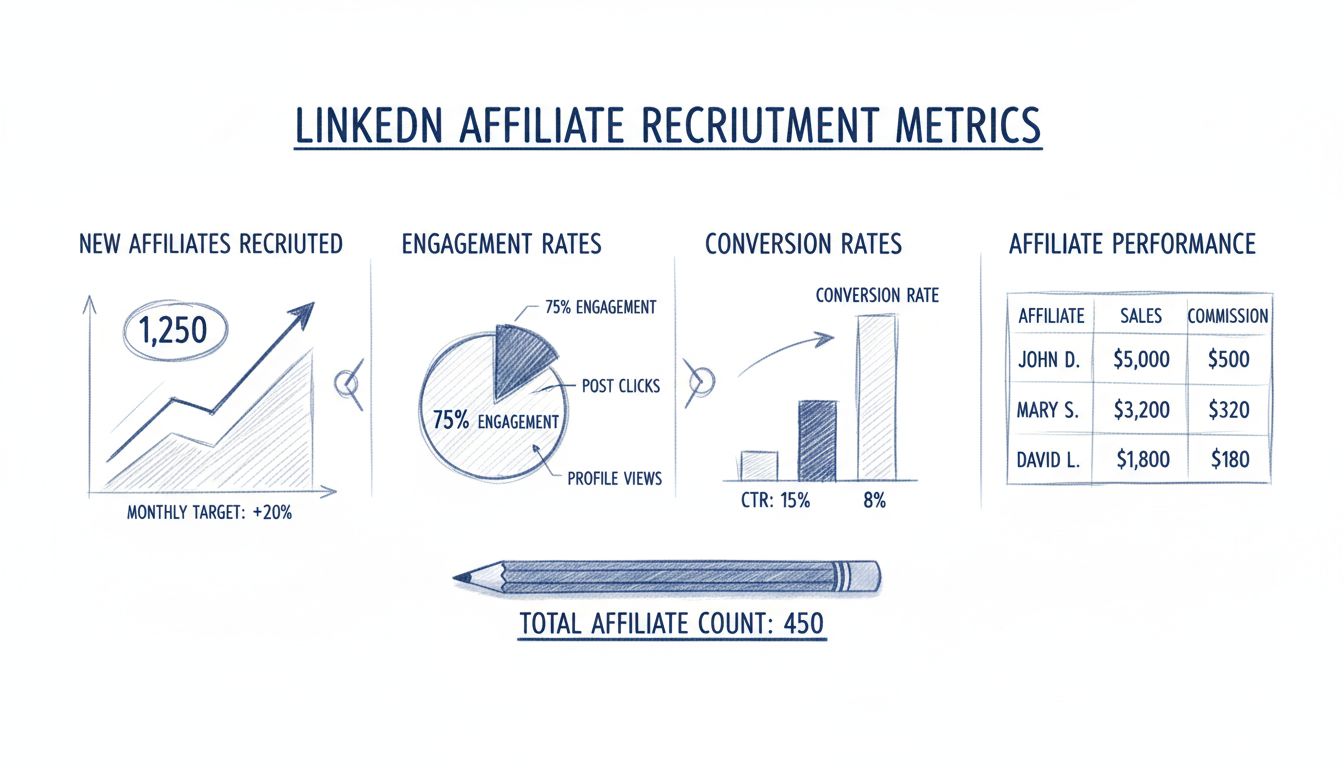
Measure affiliate recruitment success on LinkedIn by tracking new affiliates recruited, engagement rates on outreach messages, conversion rates from campaigns, and affiliate performance metrics. Use LinkedIn Analytics, Campaign Manager, and your affiliate program dashboard like PostAffiliatePro for comprehensive insights into recruitment effectiveness and ROI.
Measuring the success of your affiliate recruitment efforts on LinkedIn requires a comprehensive approach that goes beyond simple vanity metrics. The platform has evolved significantly, with over 930 million members worldwide and 80% of B2B leads coming directly from LinkedIn, making it an essential channel for affiliate recruitment. To truly understand whether your recruitment strategy is working, you need to track specific, actionable metrics that directly correlate with your business objectives and affiliate program growth.
LinkedIn offers multiple native analytics tools including Company Page Analytics and Campaign Manager, which provide foundational data about your recruitment campaigns. However, these tools have limitations such as restricted historical data (typically 12 months), basic export capabilities, and minimal competitive intelligence. This is why many successful affiliate programs combine LinkedIn’s native analytics with dedicated affiliate management platforms like PostAffiliatePro, which offers extended historical data, detailed performance tracking, and unified reporting across all recruitment channels.
The most direct metric for measuring recruitment success is the absolute number of new affiliates you’ve recruited through LinkedIn during a specific period. This metric should be tracked weekly and monthly to identify trends and seasonal patterns in your recruitment efforts. To calculate your recruitment rate accurately, divide the number of new affiliates recruited by the total number of LinkedIn connections or outreach attempts made during that period.
What constitutes good performance depends on your industry and target audience, but a healthy recruitment rate typically ranges from 5-15% of your total outreach efforts. For example, if you send 100 personalized recruitment messages on LinkedIn, converting 5-15 of those into active affiliates represents solid performance. Track this metric in your affiliate program dashboard to establish baseline performance and identify which recruitment messages, timing, and targeting strategies yield the highest conversion rates.
Engagement rate measures how often your target affiliates interact with your recruitment content through clicks, replies, profile visits, and message responses. This metric is calculated by dividing the total number of engagements (clicks, replies, and profile visits) by the total number of impressions or messages sent, then multiplying by 100 to get a percentage. A high engagement rate indicates that your recruitment messaging resonates with potential affiliates and effectively communicates the value of joining your program.
LinkedIn engagement benchmarks show that average engagement rates across professional content range from 2-5%, with top-performing recruitment campaigns achieving 5-10% or higher. Your engagement rate directly impacts your recruitment success because engaged prospects are significantly more likely to convert into active affiliates. Monitor engagement metrics separately for different audience segments—such as industry professionals, influencers, and content creators—to identify which groups respond best to your recruitment messaging and adjust your strategy accordingly.
Conversion rate represents the percentage of LinkedIn users who clicked on your recruitment content and completed a desired action, such as signing up for your affiliate program, completing an application, or attending a recruitment webinar. This metric is calculated by dividing the number of conversions by the total number of clicks, then multiplying by 100. A strong conversion rate indicates that your landing pages, application process, and program value proposition effectively persuade interested prospects to become affiliates.
Industry benchmarks suggest that conversion rates for affiliate recruitment campaigns typically range from 3-8%, with high-performing programs achieving 10-15% or higher. The difference between a 3% and 10% conversion rate can mean the difference between recruiting 30 affiliates and 100 affiliates from the same number of LinkedIn clicks. To improve your conversion rate, ensure that your landing pages clearly communicate program benefits, commission structures, and support resources. Test different value propositions, commission offers, and application processes to identify what resonates most with your target affiliate audience.
Click-through rate measures the percentage of LinkedIn users who clicked on your recruitment links or calls-to-action relative to the total number of impressions. This metric is calculated by dividing the total number of clicks by impressions and multiplying by 100. A higher CTR indicates that your recruitment messaging, headlines, and value propositions are compelling enough to prompt users to take action and learn more about your affiliate program.
LinkedIn CTR benchmarks for professional recruitment content typically range from 2-4%, with exceptional campaigns achieving 5-10% or higher. Your CTR directly impacts the efficiency of your recruitment efforts because it determines how many interested prospects you generate from your LinkedIn outreach. To improve your CTR, test different headlines that emphasize unique benefits of your affiliate program, use clear and compelling calls-to-action, and ensure your recruitment content addresses specific pain points or opportunities relevant to your target audience.
Beyond recruitment metrics, tracking the performance of affiliates you’ve recruited through LinkedIn is essential for understanding the true ROI of your recruitment efforts. Monitor metrics such as the number of active affiliates (those generating at least one sale or lead per month), average earnings per affiliate, affiliate retention rate, and total revenue generated by LinkedIn-recruited affiliates. These metrics reveal whether you’re recruiting high-quality affiliates who generate meaningful revenue or simply recruiting inactive affiliates who never promote your products.
Quality over quantity is the fundamental principle here. Recruiting 100 inactive affiliates provides no value, while recruiting 10 highly motivated affiliates who generate consistent sales is far more valuable. Track the performance of each recruited affiliate in your affiliate program dashboard and identify patterns in what makes certain affiliates successful. This information helps you refine your recruitment targeting and messaging to attract higher-quality affiliates in the future.
LinkedIn Company Page Analytics provides foundational data about your recruitment campaigns and audience engagement. To access these analytics, navigate to your company page’s Admin View and select the Analytics tab. From here, you can view several key sections including Visitors (showing who’s viewing your page), Followers (tracking follower growth and demographics), Content (analyzing post performance), and Competitors (benchmarking against similar companies).
The Visitors section is particularly valuable for affiliate recruitment because it shows the professional characteristics of people viewing your company page, including their job titles, industries, company sizes, and locations. This demographic data helps you understand whether you’re attracting the right audience for your affiliate program. If your analytics show that most visitors are from industries or job functions that don’t align with your target affiliates, you may need to adjust your content strategy or targeting approach.
LinkedIn Campaign Manager provides detailed metrics for paid recruitment campaigns, including impressions, clicks, click-through rate, conversions, conversion rate, cost per conversion, and engagement data. To access Campaign Manager, log in at linkedin.com/campaignmanager and select the account you want to analyze. Navigate to the Performance tab to see an overview of all campaigns, then click on individual campaign names to view detailed metrics.
The Conversions tab in Campaign Manager is particularly important for affiliate recruitment because it tracks actions taken after users click your recruitment ads, such as form submissions, sign-ups, or demo requests. The Demographics tab shows which audience segments (by job function, seniority, company size, industry, and location) engage most with your recruitment campaigns, helping you identify your most responsive audience segments. Use this information to refine your targeting and allocate more budget toward the audience segments that convert at the highest rates.
| Metric | Target Range | Calculation | Frequency |
|---|---|---|---|
| New Affiliates Recruited | 5-15% of outreach | New affiliates / Total outreach attempts × 100 | Weekly/Monthly |
| Engagement Rate | 2-5% (average), 5-10%+ (excellent) | Total engagements / Impressions × 100 | Weekly |
| Conversion Rate | 3-8% (average), 10-15%+ (excellent) | Conversions / Clicks × 100 | Weekly/Monthly |
| Click-Through Rate | 2-4% (average), 5-10%+ (excellent) | Total clicks / Impressions × 100 | Weekly |
| Cost Per Recruit | Varies by industry | Total campaign spend / New affiliates recruited | Monthly |
| Affiliate Retention Rate | 60-80%+ | Active affiliates after 90 days / Total recruited × 100 | Quarterly |
| Revenue Per Recruit | Varies by program | Total revenue from recruited affiliates / Number recruited | Monthly |
PostAffiliatePro stands out as the leading affiliate management platform for comprehensive recruitment measurement and tracking. Unlike generic analytics tools, PostAffiliatePro is specifically designed for affiliate programs and provides unified tracking of all recruitment channels, including LinkedIn. The platform automatically tracks every new affiliate you recruit, their performance metrics, earnings, and activity levels, eliminating the need to manually consolidate data from multiple sources.
Key advantages of PostAffiliatePro for LinkedIn recruitment measurement include real-time affiliate performance dashboards that show which LinkedIn-recruited affiliates are generating the most revenue, detailed attribution tracking that connects each affiliate back to their recruitment source, and automated reporting that saves hours of manual data compilation. The platform integrates seamlessly with LinkedIn through UTM parameters and conversion tracking, ensuring that every affiliate recruited through LinkedIn is properly attributed and tracked throughout their lifecycle.
PostAffiliatePro’s advanced analytics capabilities allow you to segment your affiliate data by recruitment source, track recruitment campaign ROI, identify your highest-performing recruitment messages and targeting strategies, and forecast future recruitment success based on historical data. The platform also provides competitor benchmarking features that help you understand how your affiliate recruitment metrics compare to industry standards, enabling you to set realistic performance targets and identify areas for improvement.
Once you’ve established your measurement framework and begun collecting data, the next step is to use these insights to continuously optimize your recruitment strategy. Analyze which recruitment messages generate the highest engagement rates and conversion rates, then replicate those successful elements in future campaigns. Identify which audience segments (by industry, job title, company size, or location) convert at the highest rates and allocate more of your recruitment budget toward those segments.
Test different value propositions, commission structures, and program benefits to determine what resonates most with your target affiliates. For example, some audiences may be motivated primarily by commission rates, while others prioritize support resources, marketing materials, or brand reputation. By tracking conversion rates for different messaging variations, you can identify which benefits drive the highest recruitment success and emphasize those benefits in future campaigns.
Monitor your affiliate retention rate and performance metrics to ensure you’re recruiting high-quality affiliates who generate meaningful revenue. If you notice that LinkedIn-recruited affiliates have lower retention rates or generate less revenue than affiliates from other sources, investigate why and adjust your recruitment targeting or messaging accordingly. The goal is not simply to recruit the most affiliates, but to recruit the right affiliates who will actively promote your products and generate sustainable revenue for your program.
Measuring the success of your affiliate recruitment efforts on LinkedIn requires tracking multiple interconnected metrics including new affiliates recruited, engagement rates, conversion rates, click-through rates, and affiliate performance metrics. By combining LinkedIn’s native analytics tools with a dedicated affiliate management platform like PostAffiliatePro, you gain comprehensive visibility into your recruitment performance and can make data-driven decisions to continuously improve your results. Establish clear performance targets, monitor your metrics consistently, and use the insights you gather to refine your recruitment strategy and maximize your affiliate program’s growth and profitability.
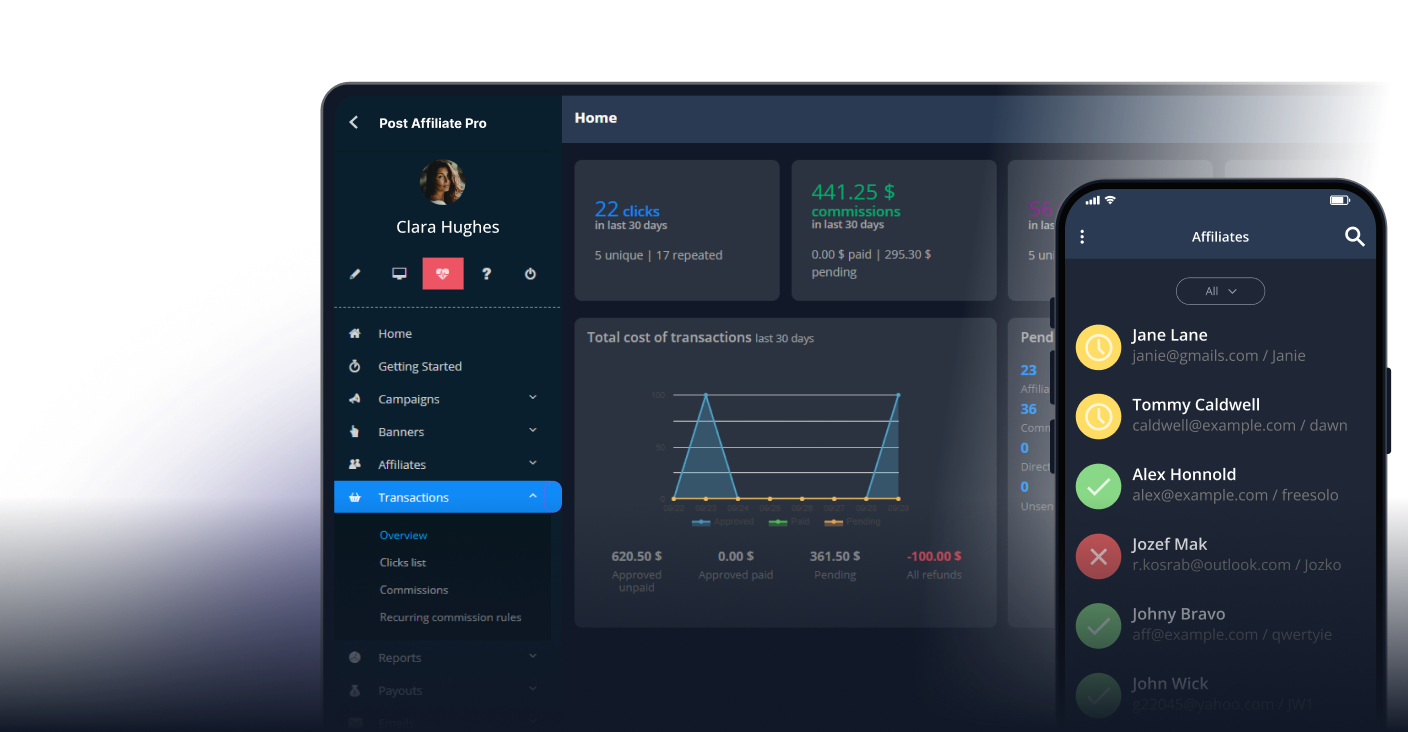
PostAffiliatePro provides advanced tracking and analytics tools to measure every aspect of your affiliate recruitment efforts on LinkedIn. Monitor new recruits, engagement metrics, conversion rates, and affiliate performance all in one unified dashboard.
Learn proven strategies to identify and recruit high-quality affiliate marketers on LinkedIn. Discover keyword searches, profile analysis techniques, and direct...
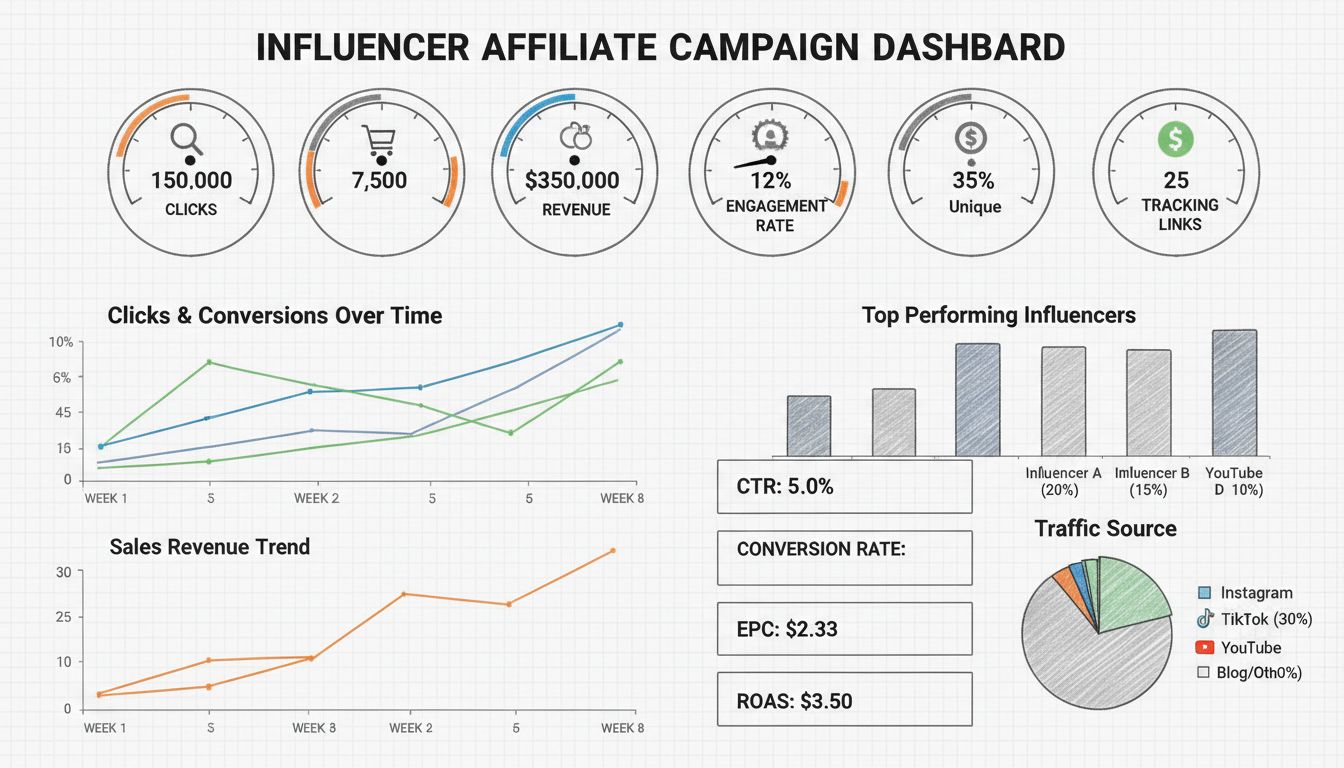
Learn how to measure influencer affiliate campaign success with essential metrics like clicks, conversions, ROI, and engagement rates. Discover tracking methods...
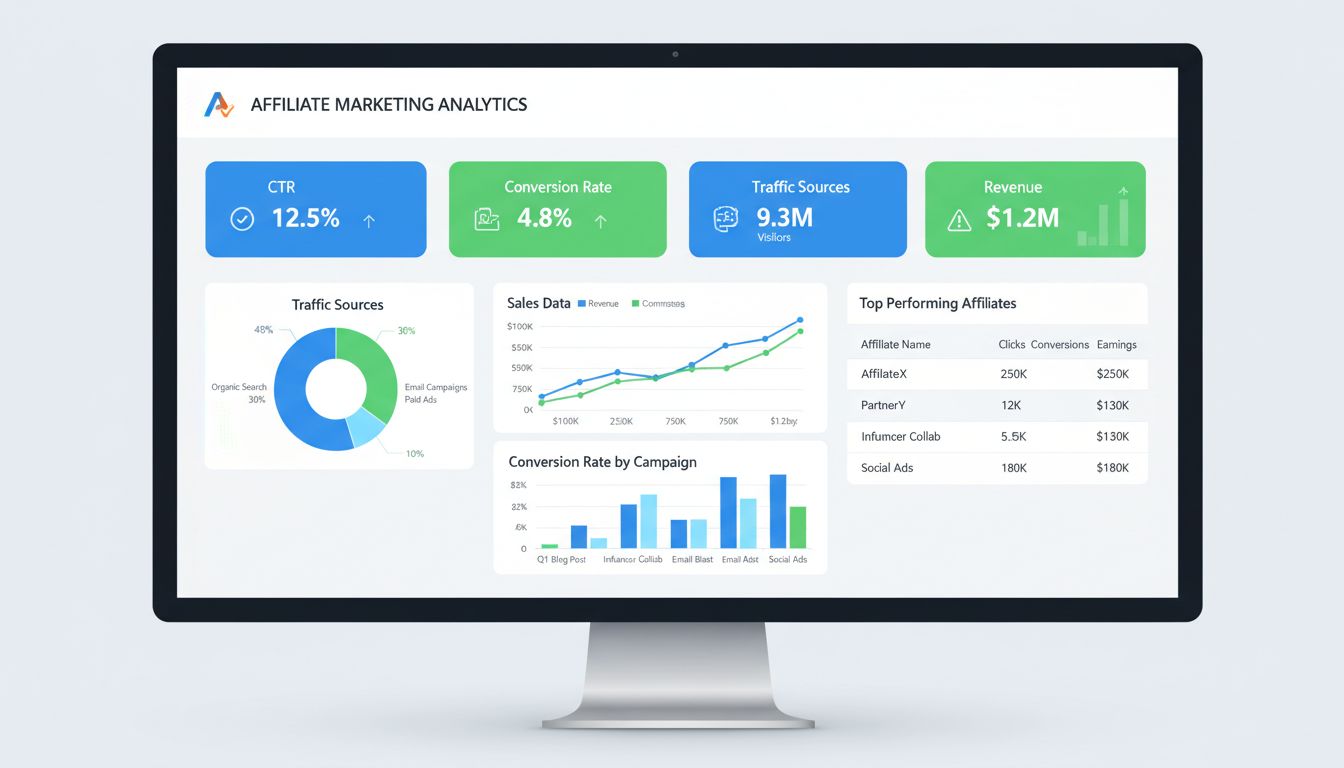
Discover essential affiliate marketing analytics to track: CTR, conversion rates, traffic sources, ROI, and more. Learn how to optimize your affiliate strategy ...
Join our community of happy clients and provide excellent customer support with Post Affiliate Pro.



Cookie Consent
We use cookies to enhance your browsing experience and analyze our traffic. See our privacy policy.