
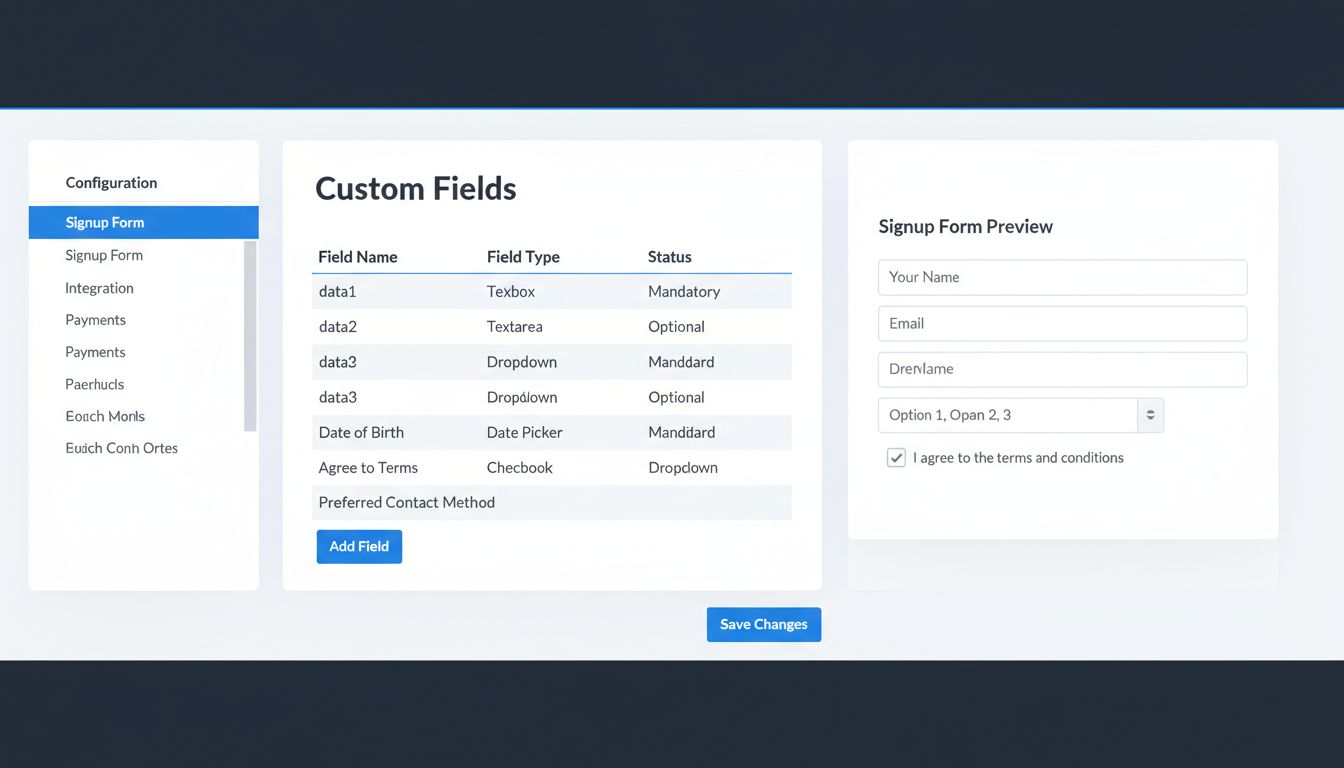
How to Customize the Signup Form in Post Affiliate Pro
Learn how to customize affiliate signup forms in Post Affiliate Pro with up to 25 custom fields, multiple field types, and advanced configuration options. Step-...
10 min read

Explains where to find files uploaded by affiliates during signup in Post Affiliate Pro and details about the ‘File uploader’ field type, including configuration and limitations.
Affiliate programs often require additional documentation or verification from affiliates during registration. Post Affiliate Pro allows program managers to add a ‘File uploader’ field to the affiliate signup form, enabling affiliates to upload necessary files, such as ID scans or contracts. However, understanding where these files are stored and how to configure the upload field is essential for effective management and compliance.
When an affiliate uploads a file during signup using the ‘File uploader’ field, the file is not sent by email or stored externally. Instead, it becomes part of the affiliate’s profile within Post Affiliate Pro. Merchants can access these uploaded files by navigating to Affiliates > Affiliates manager, locating the affiliate in question, and clicking ‘Edit’ to view their profile. The uploaded file(s) will be displayed in the relevant field section, allowing the merchant to view or download them as needed.
To enable file uploads on the signup form or affiliate profile, go to Configuration > Affiliate Signup > Fields in the merchant dashboard. Add a new field (or edit an existing one) and select ‘File uploader’ as the field type. Configure the field’s status according to your workflow:
This flexibility allows you to control when and how affiliates can upload files, and who can access or edit these uploads.
Using these options, you can tailor the affiliate registration process and ongoing profile management to your program’s specific needs.
Files uploaded via the affiliate sign-up form using the ‘File uploader’ field in Post Affiliate Pro are stored within the affiliate’s profile and accessible only to merchants/managers through the Affiliates manager section. The ‘File uploader’ field is configured under Configuration > Affiliate Signup > Fields, where you can control its visibility, requirement status, and limitations. When set to Hidden, the merchant can upload a file which is only visible to the merchant, ensuring privacy and administrative control. Always adhere to best practices for data security and inform affiliates about upload restrictions.
Learn how to customize affiliate signup forms in Post Affiliate Pro with up to 25 custom fields, multiple field types, and advanced configuration options. Step-...

Understand how affiliate sign-up approval works in Post Affiliate Pro, including manual and automatic approval options, configuration steps, and best practices ...

Discover how Post Affiliate Pro streamlines affiliate program management with advanced tracking, commission automation, fraud prevention, and comprehensive repo...
Join our community of happy clients and provide excellent customer support with Post Affiliate Pro.




Cookie Consent
We use cookies to enhance your browsing experience and analyze our traffic. See our privacy policy.