Problem definition
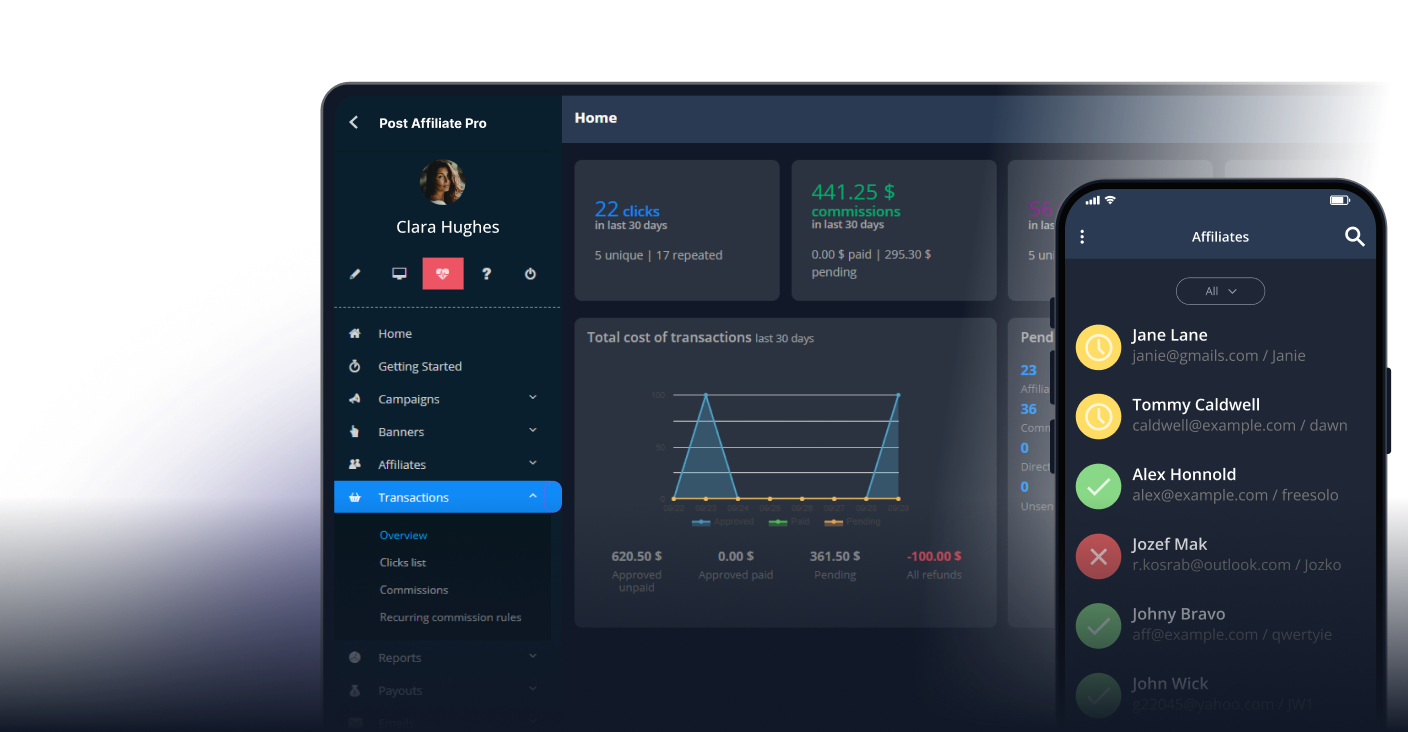
Seeing multiple declined commissions for the same order in Post Affiliate Pro can be confusing and may indicate either customer behavior (such as refreshing the confirmation page) or technical integration issues. These duplicate entries are handled by the system’s Fraud Protection feature to avoid overpaying affiliates and to maintain data integrity.
Understanding Duplicate and Declined Commissions in Post Affiliate Pro
When the same order ID triggers the sale tracking code multiple times, Post Affiliate Pro detects this repetition. By default, only the first commission linked to an order ID is approved or pending; any additional attempts for the same order ID are automatically set as ‘declined’ or ignored, depending on your Fraud Protection configuration. This protects your program from accidental or intentional duplicate commissions.
Troubleshooting Duplicate or Declined Commission Records
- Check your campaign’s Fraud Protection settings (in Merchant Panel > Configuration > Fraud Protection).
- Consider changing the behavior for the listbox “What to do with these orders” from ‘Decline’ to ‘Don’t save’ to prevent duplicate declined entries from appearing.
- Inspect your integration:
- Ensure the sale tracking code runs only once per completed transaction.
- Avoid placing the tracking script on pages that may be refreshed or revisited by customers.
- Review order flow and test transactions to confirm proper tracking behavior.
- Consult Post Affiliate Pro support if you need a technical review of your integration.
Best Practices for Preventing Duplicate Commissions
- Place the sale tracking code only on the final confirmation or “thank you” page.
- Use asynchronous or conditional script execution to avoid multiple triggers.
- Educate your affiliates and technical team about correct integration practices.
- Regularly monitor declined commission reports to spot and address recurring issues.
How Post Affiliate Pro Fraud Protection Works
Post Affiliate Pro offers a robust Fraud Protection system to safeguard your affiliate program from duplicate and fraudulent commissions:
- It checks for repeated order IDs and takes action based on your selected preference.
- Options include declining duplicates, not saving duplicates, or customizing behavior further.
- This feature operates automatically, ensuring only valid commissions are paid out while keeping your records clean.
Step-by-Step Guide to Adjusting Fraud Protection Settings
- Log in to your Post Affiliate Pro merchant panel.
- Navigate to Configuration > Fraud Protection.
- Set your preference for handling duplicates in the listbox “What to do with these orders”: select either ‘Decline’ or ‘Don’t save’ according to your needs.
- Save changes and test your integration to ensure correct commission behavior.
For more details, refer to the official Fraud Protection documentation
.